The AI-first
terminal emulator
Open-source, cross-platform terminal with a built-in MCP server. Your AI coding tools see your terminal natively.
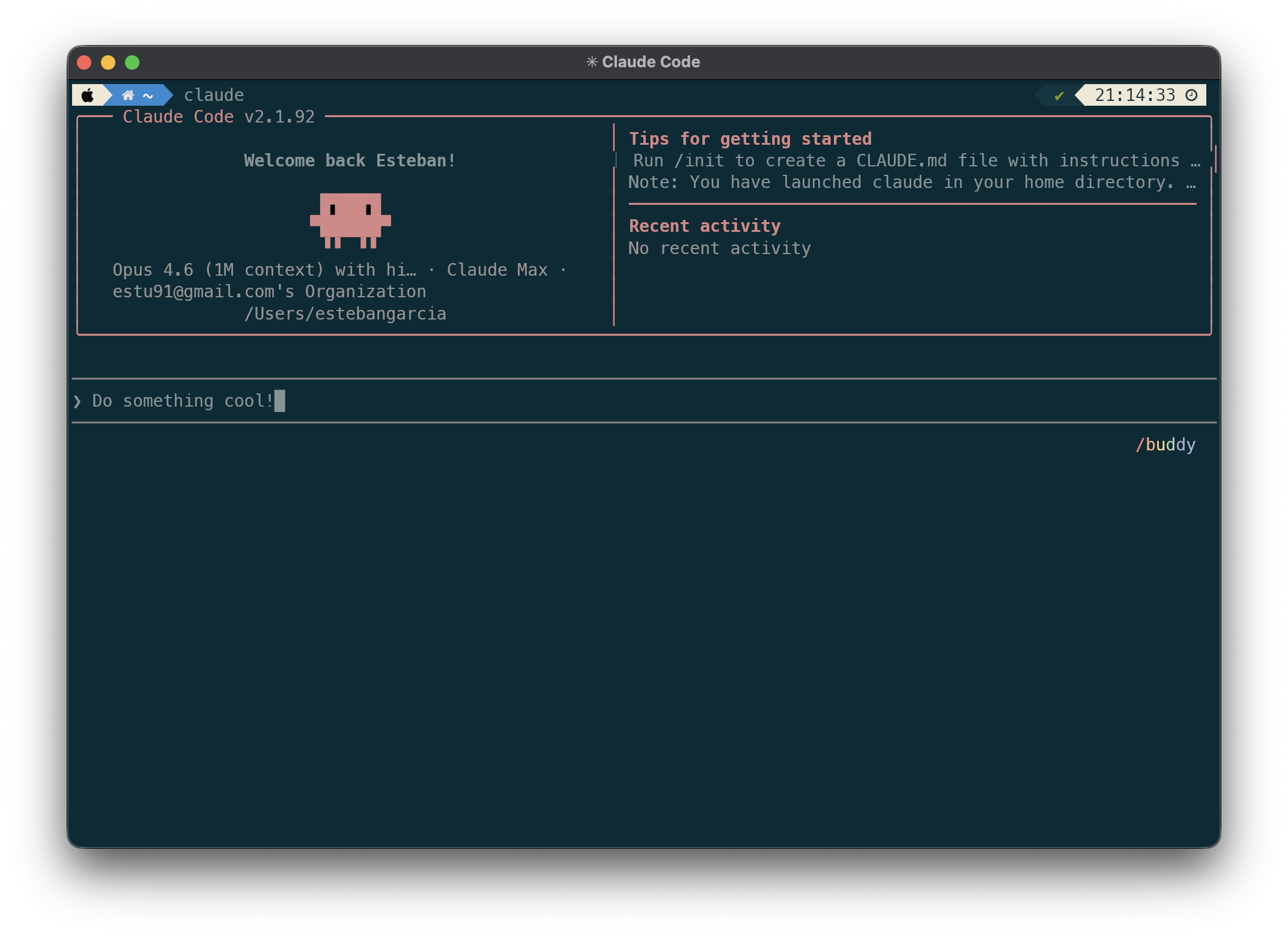
Why Tonn?
Built-in MCP Server
8 tools that give AI assistants deep terminal access — command outputs, context, search, and execution.
Token Savings
90–99% compression on command output before it reaches your AI. Classified and domain-specific.
AI Session Browser
Browse, search, and resume Claude Code sessions with a branch-aware tree view.
Tabs & Splits
Full multiplexer with tabs, vertical and horizontal splits, and pane zoom.
Shell Integration
Zero-config integration for zsh, bash, and fish. Automatic shell detection and setup.
AI Session Browser
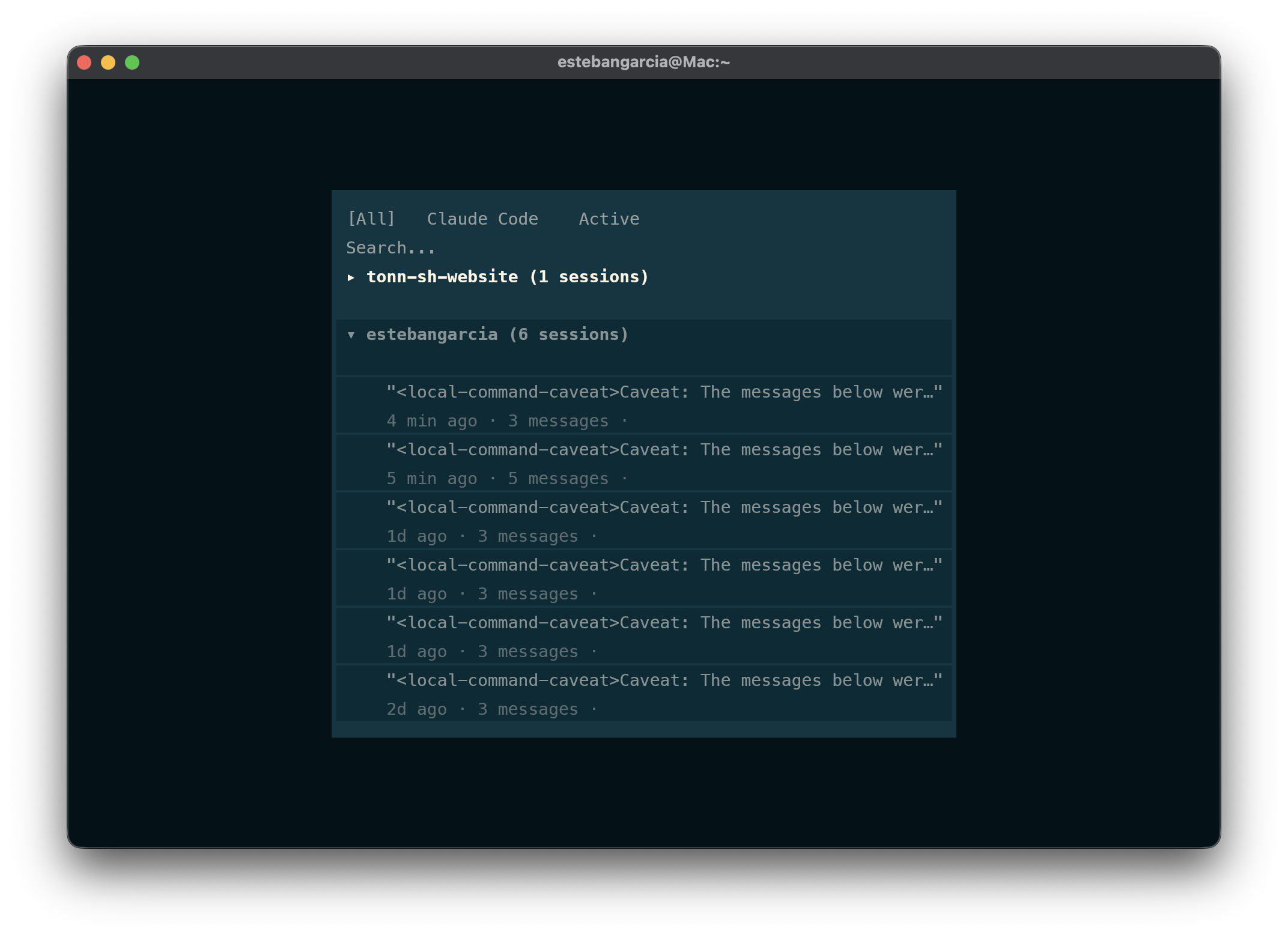
Browse and resume AI coding sessions with a branch-aware tree view.
Tabs & Splits
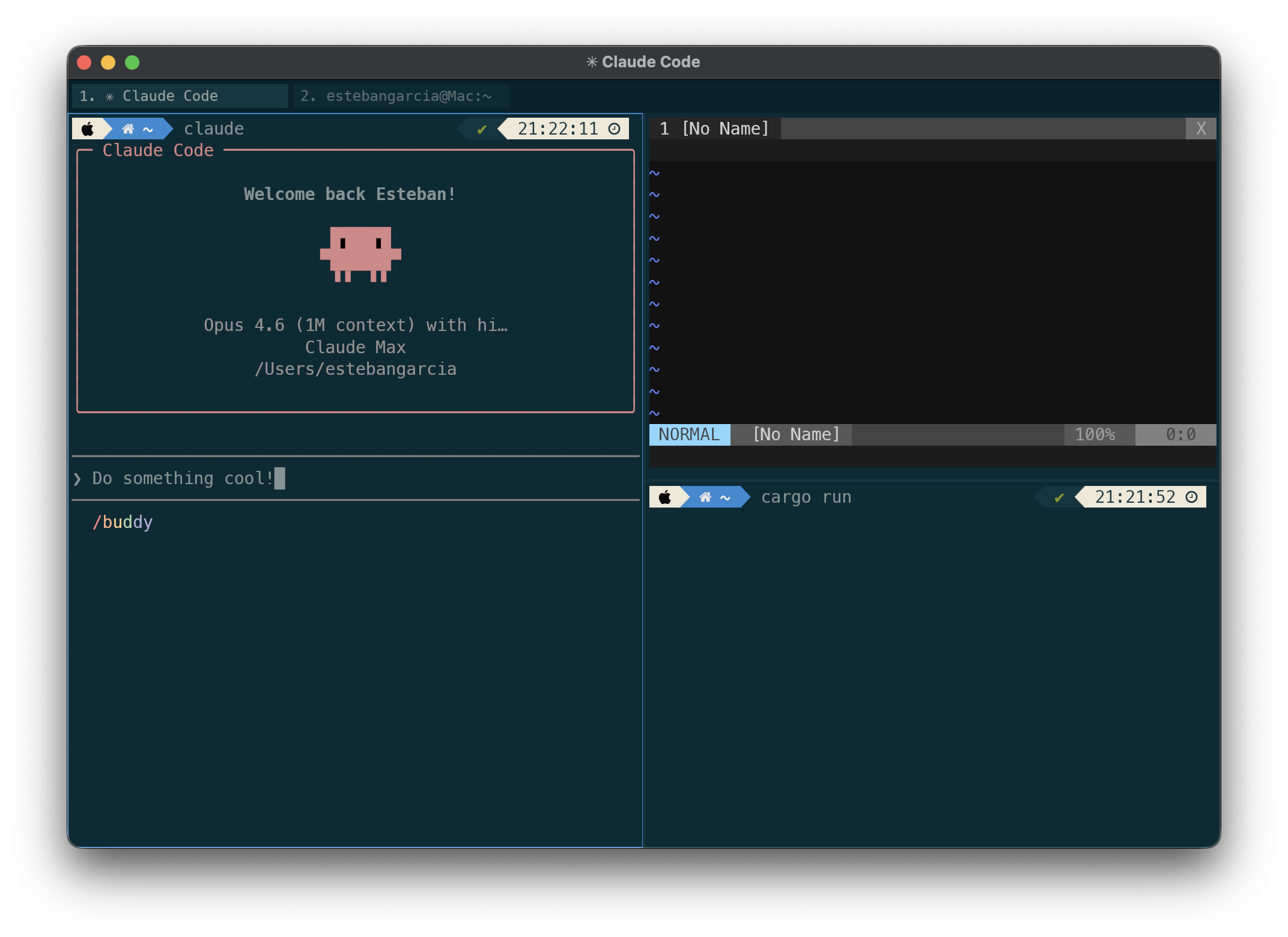
Full multiplexer with tabs, vertical and horizontal splits, and pane zoom.
How It Works
$ claude "fix the failing tests"
Claude can now see through the MCP server:
├── Your recent commands and their output
├── Test results (compressed from 2,847 → 43 tokens)
├── Git status and diffs
└── Working directory context
Tonn's MCP server gives AI tools structured access to your terminal — no copy-pasting, no screenshots, no token waste.
MCP Tools
| TOOL | DESCRIPTION |
|---|---|
| get_recent_blocks | Recent command summaries with block IDs for drill-down |
| get_block | Specific block at summary, classified, or raw tier |
| search_blocks | Regex search across all command outputs |
| get_context | Terminal CWD, pane info, last exit code |
| list_panes | All open panes |
| execute | Run shell command as subprocess, return stdout/stderr |
| list_sessions | All AI coding sessions across projects |
| get_session | Specific session details by ID |